Complete Media Automation Stack: Radarr, Sonarr, and Prowlarr for Home Server Bliss
Automate your media library with Radarr, Sonarr, Prowlarr, and Overseerr. Set up intelligent downloading, quality management, and request handling in this comprehensive guide.
Table of Contents
- The Automation Layer Your Media Server Deserves
- What Each Tool Does (And Why You Need Them All)
- The Workflow in Practice
- The Docker Advantage: One Volume to Rule Them All
- The Wrong Way
- The Right Way
- Recommended Directory Structure
- Full Docker Compose Setup
- Launch the Stack
- Prowlarr: Your Indexer Hub
- Initial Setup
- Adding Indexers
- Private Tracker Tips
- Radarr: Movie Management Done Right
- Connecting the Pieces
- Quality Profiles
- Sonarr: TV Show Automation
- Initial Configuration
- Series Types
- Monitoring Strategies
- Recyclarr: TRaSH Guide Automation
- Configuration
- Get Your API Keys
- Run the Sync
- Overseerr: Request Management for Everyone
- Setup Overview
- User Experience
- Notification Setup
- Jellyfin Integration: The Final Piece
- Library Setup
- Automatic Scanning
- Webhook Notifications (Optional)
- Security: Locking Down Your Stack
- Internal Network Isolation
- VPN Configuration
- Reverse Proxy Setup
- API Key Security
- Troubleshooting Common Issues
- Downloads Not Importing
- Slow Imports / Full Disk Copies
- Indexer Connection Failed
- Quality Not Upgrading
- Hardware Recommendations for 2026
- Ideal Platforms
- The Automation Payoff
- Next Steps
The Automation Layer Your Media Server Deserves
You’ve got Jellyfin running. Your movies are organized. Your TV shows are neatly labeled. But every time you want to add something new, you’re hunting down releases, checking quality, manually renaming files, and hoping the subtitles sync.
There’s a better way.
The *arr stack—a family of applications with intentionally obvious naming—automates the entire process. Want a new movie? Click a button. The system finds the best release, downloads it, renames it, organizes it, and notifies you when it’s ready. New episode of your favorite show? It’ll be waiting for you the morning after it airs.
This isn’t piracy software. It’s a media management layer that works with any content source. Whether you’re managing personal rips, public domain films, or legal downloads, these tools turn hours of manual work into minutes of configuration.
Let’s build your autonomous media pipeline.
What Each Tool Does (And Why You Need Them All)
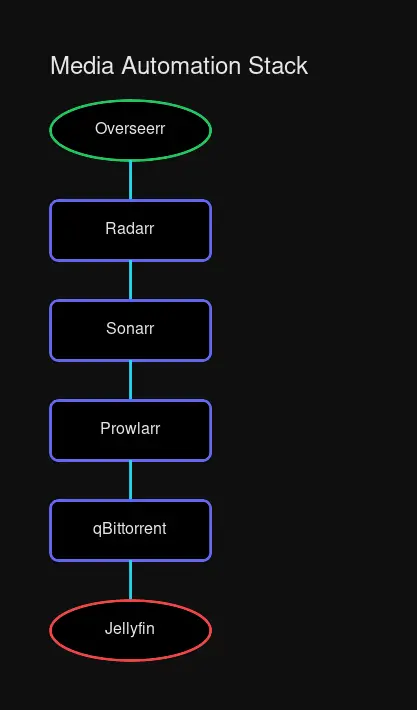 The flow: requests → managers → downloaders → organized media
The *arr ecosystem can feel overwhelming at first. Each app has a specific job, and they work together like a well-oiled machine. Here’s the breakdown:
| Application | Role | Port | What It Automates |
|---|---|---|---|
| Radarr | Movie Manager | 7878 | Finds movies, manages quality, renames files |
| Sonarr | TV Show Manager | 8989 | Tracks episodes, season packs, upgrades |
| Prowlarr | Indexer Hub | 9696 | Aggregates torrent/usenet indexers, syncs to apps |
| Overseerr | Request Portal | 5055 | Web UI for family/friends to request content |
| Recyclarr | Quality Sync | - | Keeps TRaSH Guide settings updated automatically |
| Lidarr | Music Manager | 8686 | Album tracking, artist monitoring (optional) |
| Bazarr | Subtitle Manager | 6767 | Auto-downloads subtitles for all media (optional) |
The Workflow in Practice
- You want a movie → Add it to Radarr or request via Overseerr
- Radarr checks → Monitors indexer feeds for your quality criteria
- Release found → Sends to your download client (qBittorrent, NZBGet, etc.)
- Download completes → Radarr imports, renames, and moves to your media folder
- Jellyfin scans → Picks up the new file automatically
- You watch → No manual intervention required
For TV shows, Sonarr handles this automatically. New episodes? Downloaded the morning after broadcast. Better quality release appears? Automatically upgraded.
The Docker Advantage: One Volume to Rule Them All
Before we install anything, let’s address the #1 mistake that causes headaches: volume mounting.
The most common pitfall in *arr setups is splitting your downloads and media into separate mounts. This breaks hardlinks (instant file moves) and forces full copies, wasting time and disk I/O.
The Wrong Way
# Don't do this!
volumes:
  - /path/to/movies:/movies
  - /path/to/downloads:/downloads  # Different filesystem = broken hardlinks
The Right Way
# Do this instead
volumes:
  - /path/to/data:/data  # Single mount for everything
With a single mount point:
- Hardlinks work → Instant moves, no copying
- Atomic moves → No re-downloading if interrupted
- Permissions are simple → One directory to manage
Recommended Directory Structure
/data/
├── media/
│   ├── movies/        # Radarr library
│   ├── tv/            # Sonarr library
│   ├── music/         # Lidarr library
│   └── books/         # Readarr library
├── downloads/
│   ├── torrents/
│   │   ├── movies/    # Active movie downloads
│   │   ├── tv/        # Active TV downloads
│   │   └── music/     # Active music downloads
│   └── usenet/        # Usenet downloads
└── incomplete/        # Optional: staging area
Create this structure:
mkdir -p /data/{media/{movies,tv,music,books},downloads/{torrents/{movies,tv,music},usenet}}Full Docker Compose Setup
Here’s a production-ready docker-compose.yml with all the essential components:
version: "3.8"

x-environment: &default-environment
  PUID: 1000
  PGID: 1000
  TZ: America/New_York
  UMASK: 002

x-volumes: &default-volumes
  - ./data:/data

services:
  # ===== INDEXER MANAGEMENT =====
  prowlarr:
    image: lscr.io/linuxserver/prowlarr:latest
    container_name: prowlarr
    environment:
      <<: *default-environment
    volumes:
      - ./config/prowlarr:/config
    ports:
      - 9696:9696
    restart: unless-stopped
    networks:
      - media_network
    healthcheck:
      test: ["CMD", "curl", "-f", "http://localhost:9696/ping"]
      interval: 30s
      timeout: 10s
      retries: 3

  # ===== MOVIE MANAGEMENT =====
  radarr:
    image: lscr.io/linuxserver/radarr:latest
    container_name: radarr
    environment:
      <<: *default-environment
    volumes:
      - ./config/radarr:/config
      <<: *default-volumes
    ports:
      - 7878:7878
    restart: unless-stopped
    networks:
      - media_network
    depends_on:
      - prowlarr
    healthcheck:
      test: ["CMD", "curl", "-f", "http://localhost:7878/ping"]
      interval: 30s
      timeout: 10s
      retries: 3

  # ===== TV SHOW MANAGEMENT =====
  sonarr:
    image: lscr.io/linuxserver/sonarr:latest
    container_name: sonarr
    environment:
      <<: *default-environment
    volumes:
      - ./config/sonarr:/config
      <<: *default-volumes
    ports:
      - 8989:8989
    restart: unless-stopped
    networks:
      - media_network
    depends_on:
      - prowlarr
    healthcheck:
      test: ["CMD", "curl", "-f", "http://localhost:8989/ping"]
      interval: 30s
      timeout: 10s
      retries: 3

  # ===== REQUEST MANAGEMENT =====
  overseerr:
    image: lscr.io/linuxserver/overseerr:latest
    container_name: overseerr
    environment:
      <<: *default-environment
    volumes:
      - ./config/overseerr:/config
    ports:
      - 5055:5055
    restart: unless-stopped
    networks:
      - media_network
    depends_on:
      - radarr
      - sonarr

  # ===== TRASH GUIDE SYNC =====
  recyclarr:
    image: ghcr.io/recyclarr/recyclarr:latest
    container_name: recyclarr
    volumes:
      - ./config/recyclarr:/config
    restart: unless-stopped
    networks:
      - media_network

  # ===== DOWNLOAD CLIENT =====
  qbittorrent:
    image: lscr.io/linuxserver/qbittorrent:latest
    container_name: qbittorrent
    environment:
      <<: *default-environment
      WEBUI_PORT: 8090
    volumes:
      - ./config/qbittorrent:/config
      <<: *default-volumes
    ports:
      - 8090:8090
      - 6881:6881
      - 6881:6881/udp
    restart: unless-stopped
    networks:
      - media_network

  # ===== OPTIONAL: VPN CONTAINER =====
  # Uncomment if you need VPN routing
  # gluetun:
  #   image: qmcgaw/gluetun
  #   container_name: gluetun
  #   cap_add:
  #     - NET_ADMIN
  #   environment:
  #     - VPN_SERVICE_PROVIDER=your_provider
  #     - OPENVPN_USER=your_username
  #     - OPENVPN_PASSWORD=your_password
  #   volumes:
  #     - ./config/gluetun:/gluetun
  #   ports:
  #     - 8090:8090  # qBittorrent through VPN
  #   restart: unless-stopped
  #   networks:
  #     - media_network

networks:
  media_network:
    driver: bridge
    ipam:
      config:
        - subnet: 172.28.0.0/16
Launch the Stack
# Create directory structure
mkdir -p config data

# Start everything
docker compose up -d

# Check status
docker compose ps
All services should show healthy or running within 30 seconds.
Prowlarr: Your Indexer Hub
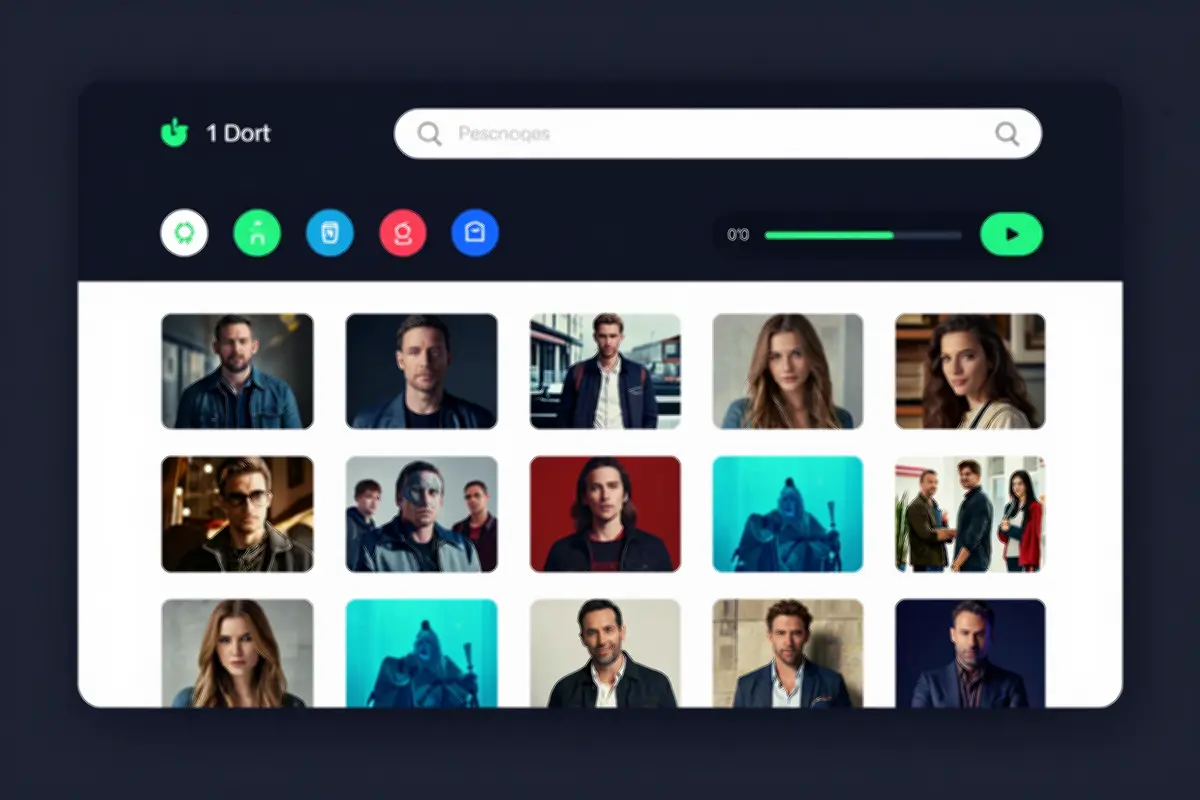 Prowlarr’s indexer dashboard showing connected indexers
Prowlarr eliminates the tedium of configuring indexers in each app individually. Add an indexer once, sync it everywhere.
Initial Setup
- Navigate to
http://your-server:9696 - Complete the setup wizard
- Go to Settings → Apps
- Add Radarr and Sonarr:
- Radarr: Prowlarr Server =
http://radarr:7878 - Sonarr: Prowlarr Server =
http://sonarr:8989
- Radarr: Prowlarr Server =
Adding Indexers
- Go to Indexers → Add Indexer
- Select your indexer type (public or private)
- Enter credentials if required
- Test and save
- Prowlarr automatically syncs to Radarr and Sonarr
Private Tracker Tips
If you use private trackers:
- Enable Flaresolverr for Cloudflare-protected sites
- Use Prowlarr’s Cardigann support for custom indexers
- Monitor your ratio within Prowlarr’s dashboard
Radarr: Movie Management Done Right
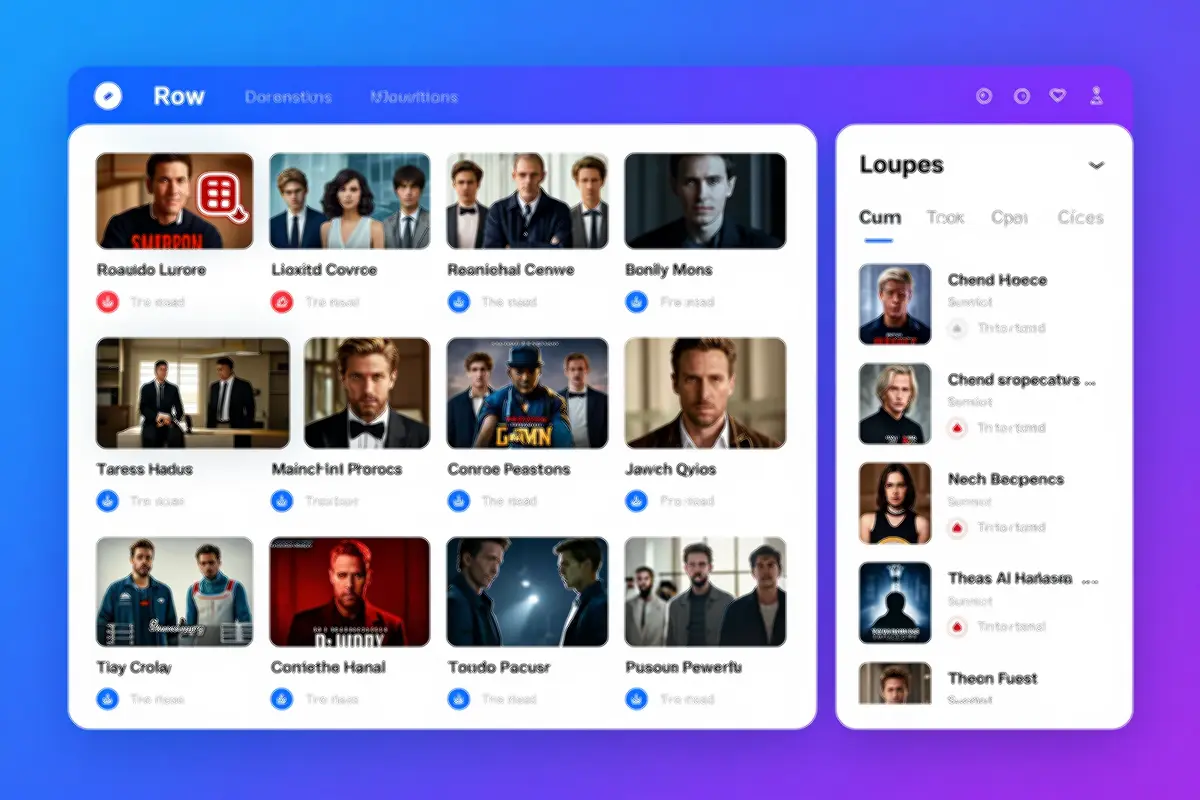 Radarr’s movie library with automatic quality tracking
Radarr is your personal movie librarian. Tell it what you want, and it handles the rest.
Connecting the Pieces
- Navigate to
http://your-server:7878 - Settings → Media Management
- Root Folder:
/data/media/movies - Enable “Rename Movies”
- Standard movie format:
{Movie Title} ({Release Year}) {Quality Title}
- Root Folder:
- Settings → Download Clients → Add
- Host:
qbittorrent - Port:
8090 - Category:
movies
- Host:
- Settings → Indexers
- Should auto-populate from Prowlarr
Quality Profiles
Radarr uses quality profiles to determine which releases to grab:
| Profile | Use Case |
|---|---|
| Any | Grab first available release |
| HD-720p | Budget setups, small storage |
| HD-1080p | Standard recommendation |
| Ultra-HD | 4K collectors with bandwidth |
| Remux | Bit-perfect Blu-ray rips |
Pro tip: Use Recyclarr to import TRaSH Guide’s optimized quality profiles instead of manually configuring custom formats.
Sonarr: TV Show Automation
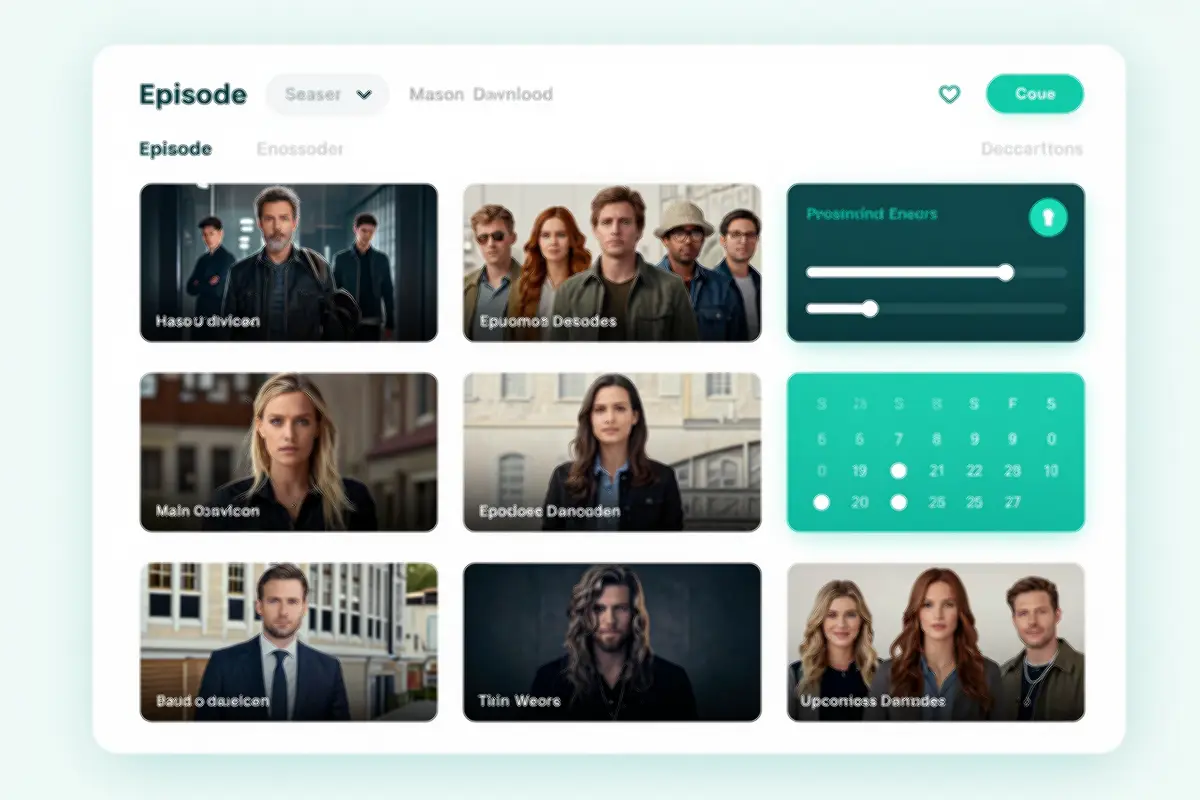 Sonarr’s calendar view showing upcoming episodes and downloads
Sonarr does for TV what Radarr does for movies—with a crucial difference: it tracks individual episodes, season packs, and ongoing series.
Initial Configuration
- Navigate to
http://your-server:8989 - Settings → Media Management
- Root Folder:
/data/media/tv - Enable “Rename Episodes”
- Standard episode format:
{Series Title} - S{season:00}E{episode:00} - {Episode Title}
- Root Folder:
- Settings → Download Clients → Add
- Same as Radarr, but category:
tv
- Same as Radarr, but category:
Series Types
Sonarr categorizes shows differently for good reason:
| Type | Behavior |
|---|---|
| Standard | Normal episode-based shows (most content) |
| Daily | Talk shows, news programs (aired by date) |
| Anime | Anime series with special numbering |
Monitoring Strategies
- All Episodes: Download everything (good for completed series)
- Future Episodes: Only grab new releases
- Pilot Episode: Test the waters before committing
- Recent Episodes: Last 90 days + future
Recyclarr: TRaSH Guide Automation
Manually configuring quality profiles and custom formats is tedious—and easy to mess up. TRaSH Guides maintain optimal settings for popular release groups. Recyclarr keeps your Radarr and Sonarr synchronized with those guides automatically.
Configuration
Create config/recyclarr/recyclarr.yml:
# Recyclarr configuration
sonarr:
  - instance: sonarr
    base_url: http://sonarr:8989
    api_key: !env_var SONARR_API_KEY

    # Quality definitions
    delete_old_custom_formats: true
    replace_existing_custom_formats: true

    # Import TRaSH Guide profiles
    include:
      - template: sonarr-quality-definition-series
      - template: sonarr-v4-quality-profile-web-1080p
      - template: sonarr-v4-custom-formats-web-1080p

radarr:
  - instance: radarr
    base_url: http://radarr:7878
    api_key: !env_var RADARR_API_KEY

    delete_old_custom_formats: true
    replace_existing_custom_formats: true

    include:
      - template: radarr-quality-definition-movie
      - template: radarr-quality-profile-web-1080p
      - template: radarr-custom-formats-web-1080p
Get Your API Keys
# Radarr API key
curl -s http://localhost:7878/api/v3/system/status | jq -r '.apiKey'

# Sonarr API key
curl -s http://localhost:8989/api/v3/system/status | jq -r '.apiKey'
Set them in your environment or .env file:
export SONARR_API_KEY=your_sonarr_key
export RADARR_API_KEY=your_radarr_key
Run the Sync
docker compose exec recyclarr recyclarr syncAdd a cron job to keep settings updated:
# Sync TRaSH Guide settings daily
0 3 * * * docker compose exec -T recyclarr recyclarr sync >> /var/log/recyclarr.log 2>&1
Overseerr: Request Management for Everyone
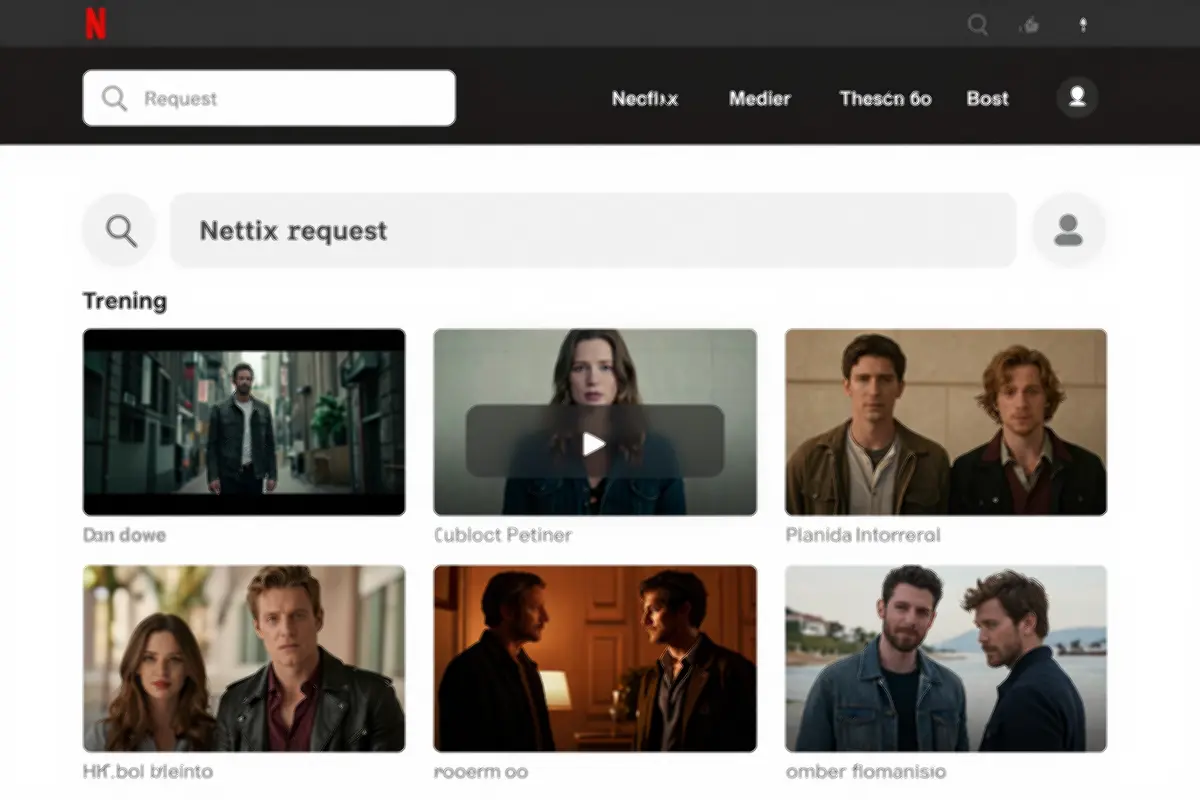 Overseerr’s clean interface for browsing and requesting media
Your family doesn’t need to learn Radarr’s interface. Overseerr gives them a Netflix-like experience for requesting content.
Setup Overview
- Navigate to
http://your-server:5055 - Sign in with your Jellyfin/Plex account
- Connect to Radarr and Sonarr:
- Settings → Services → Add Radarr
- Settings → Services → Add Sonarr
- Configure permissions for different user types
User Experience
When someone requests a movie:
- Search in Overseerr’s clean interface
- Click “Request”
- Notification goes to approvers (if enabled)
- Once approved, Radarr/Sonarr handles everything
- User gets notified when it’s ready
Notification Setup
Overseerr supports multiple notification channels:
- Email: SMTP configuration
- Discord: Webhook for server announcements
- Telegram: Bot for instant notifications
- Pushbullet/Pushover: Mobile push notifications
Jellyfin Integration: The Final Piece
Your media automation stack and Jellyfin are natural partners. Jellyfin handles playback; the *arr stack handles acquisition.
Library Setup
In Jellyfin:
- Dashboard → Libraries → Add Media Library
- Movies Library:
- Folder:
/data/media/movies - Enable “Save artwork into media folders”
- Folder:
- TV Library:
- Folder:
/data/media/tv - Enable “Save artwork into media folders”
- Folder:
Automatic Scanning
Configure Jellyfin to scan for new content:
# Real-time monitoring (recommended)
# Jellyfin monitors directories automatically

# Scheduled scan (backup)
# Dashboard → Libraries → Advanced → Scan media library automatically
# Set to "Daily" or "Every 6 hours"
Webhook Notifications (Optional)
Install the Jellyfin Webhook plugin to notify the *arr stack when playback starts/stops:
- Install from Jellyfin plugin catalog
- Configure webhook endpoint for Radarr/Sonarr
- Use for automatic library updates
For a complete Jellyfin setup guide, see our Jellyfin Media Server Guide.
Security: Locking Down Your Stack
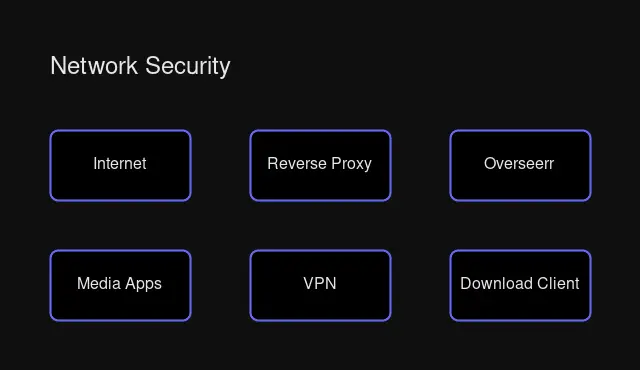 Isolated network topology with VPN and reverse proxy
Internal Network Isolation
Your Docker Compose already creates an isolated network (media_network). Only expose what’s necessary:
| Service | Expose Externally? | Reason |
|---|---|---|
| Overseerr | ✅ Yes | User requests |
| Jellyfin | ✅ Yes | Streaming |
| Radarr/Sonarr | ⚠️ Optional | Admin access only |
| Prowlarr | ❌ No | Internal only |
| qBittorrent | ❌ No | Via VPN only |
VPN Configuration
If you’re using torrents, always use a VPN. The Gluetun container in the compose file routes traffic through your VPN provider:
# Route qBittorrent through VPN
qbittorrent:
  network_mode: "service:gluetun"
  # Remove port mappings - use Gluetun's instead
Reverse Proxy Setup
Use Caddy or Nginx Proxy Manager to expose services securely:
# Caddyfile
media.example.com {
    reverse_proxy overseerr:5055
}

radarr.example.com {
    basicauth {
        admin $2a$14$hashed_password
    }
    reverse_proxy radarr:7878
}
API Key Security
Never commit API keys to git. Use environment variables:
# .env file (add to .gitignore)
RADARR_API_KEY=abc123...
SONARR_API_KEY=def456...
PROWLARR_API_KEY=ghi789...
Troubleshooting Common Issues
Downloads Not Importing
Symptom: Downloads complete but Radarr/Sonarr shows “Warning: No files found”
Causes:
- Path mapping mismatch
- Permission issues
Fix:
# Check permissions
ls -la /data/downloads/torrents/movies/

# Should show same UID:GID across all files
chown -R 1000:1000 /data/

# Verify Docker PUID/PGID matches
docker compose exec radarr id
Also check Settings → Media Management → Remote Path Mappings in Radarr/Sonarr.
Slow Imports / Full Disk Copies
Symptom: Imports take forever instead of being instant
Cause: Hardlinks broken due to different mount points
Fix: Use a single /data volume as shown in the compose file.
Indexer Connection Failed
Symptom: Prowlarr shows “Unable to connect to indexer”
Fix:
- Check indexer credentials
- Enable “Test All” indexers in Prowlarr
- Check Flaresolverr for Cloudflare issues
- Verify network connectivity
Quality Not Upgrading
Symptom: Better releases available but not automatically grabbed
Fix:
- Enable “Upgrade Until” in quality profile
- Configure “Delay Profile” to wait for better releases
- Run Recyclarr sync to update custom formats
Hardware Recommendations for 2026
The *arr stack is surprisingly lightweight. Here’s what you actually need:
| Component | Minimum | Recommended | Notes |
|---|---|---|---|
| CPU | 2 cores | 4 cores | More for concurrent downloads |
| RAM | 2 GB | 4 GB | Each app uses ~100-200 MB |
| Storage | 50 GB | 500+ GB | Depends on library size |
| Network | 10 Mbps | 100+ Mbps | Download speeds |
Ideal Platforms
| Platform | Cost | Reasons |
|---|---|---|
| Intel N100 Mini-PC | $150-250 | Low power, QuickSync for transcoding |
| Raspberry Pi 5 | $80-120 | ARM support, very low power |
| Used OptiPlex | $100-200 | Budget x86, easy upgrades |
| Synology/QNAP NAS | $300+ | Built-in Docker, storage included |
The Automation Payoff
After initial setup, here’s what your media workflow looks like:
Before:
- Hunt for releases manually
- Download files
- Rename and organize
- Move to correct folder
- Scan library
- Fix metadata issues
- Find subtitles
- Total: 30-60 minutes per item
After:
- Click “Request” in Overseerr
- Total: 5 seconds
Everything else happens automatically. New episodes appear within hours of airing. Better quality releases replace old ones. Subtitles sync automatically. Your library maintains itself.
You’ve built the infrastructure. Now let it work for you.
Next Steps
- Set up notifications in Overseerr so you know when content is ready
- Configure Recyclarr for automated quality profile management
- Add more managers: Lidarr for music, Readarr for books
- Explore Bazarr for automatic subtitle management
- Set up monitoring with Uptime Kuma or Grafana
Your automated media library awaits. Happy streaming!
Have questions or run into issues? The Servarr Wiki and TRaSH Guides are excellent resources for detailed configuration help.


Comments
Powered by GitHub Discussions