Self-Host Langfuse: Complete LLM Observability for Your Homelab
Deploy Langfuse in your homelab to monitor LLM calls, track tokens, manage prompts, and debug AI applications with full control over your data.
Table of Contents
- Why LLM Observability Matters
- What is Langfuse?
- Architecture: How Langfuse Works
- Core Components
- Homelab Deployment with Docker Compose
- System Requirements
- Step 1: Clone and Configure
- Step 2: Start Langfuse
- Step 3: Access the UI
- Integrating with Your LLM Applications
- Python SDK Setup
- With OpenAI-Compatible APIs
- JavaScript/TypeScript SDK
- Key Features for Homelab Use
- Token Tracking
- Prompt Versioning
- Session-Based Tracing
- Score-based Evaluation
- Dashboard Views
- Sessions View
- Traces View
- Generations View
- Scores View
- Production Considerations
- Security
- Data Retention
- Backups
- Scaling
- Integration with Homelab Stack
- Langfuse vs. Alternatives
- Best Practices for Homelab Scale
- 1. Start Small, Grow as Needed
- 2. Configure Retention Early
- 3. Use Prompt Versioning
- 4. Add Custom Metadata
- 5. Set Up Alerts for Cost Spikes
- When to Choose Cloud Over Self-Hosted
- Getting Started Checklist
- Conclusion
Running LLMs at home means tracking every token, debugging agent loops, and understanding exactly what your models are doing. Langfuse brings enterprise-grade LLM observability to your homelab without sending data to third parties.
Why LLM Observability Matters
Every time you call an LLM—whether it’s a simple chat completion or a multi-step agent workflow—you’re dealing with:
- Cost: API calls cost money; local models consume electricity
- Latency: Complex chains can take seconds or minutes
- Quality: Are outputs meeting expectations?
- Debugging: When agents fail, why did they fail?
Without observability, you’re flying blind. Langfuse gives you visibility into all of this.
What is Langfuse?
Langfuse is an open-source LLM engineering platform that provides:
- Tracing: End-to-end visualization of LLM application flows
- Prompt Management: Version control for prompts with testing and deployment
- Evaluation: Human and automated scoring for output quality
- Token Tracking: Monitor usage across all your LLM applications
- Agent Observability: Visualize multi-step agent executions
The best part? It’s completely self-hostable. Run it in your homelab and keep your data private.
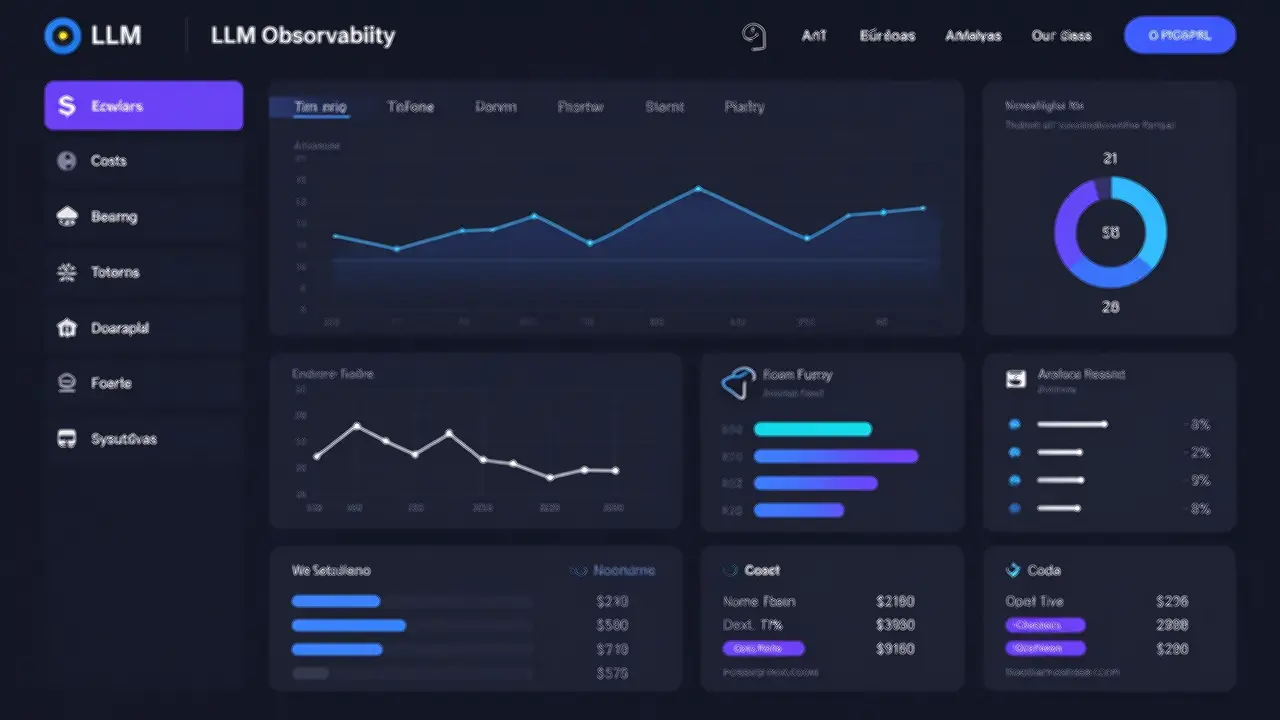 Langfuse gives you complete visibility into every LLM call
Architecture: How Langfuse Works
Langfuse v3 uses a modern microservices architecture designed for production scale:
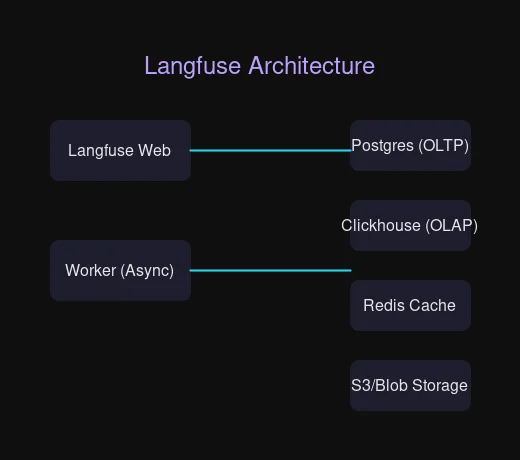 Langfuse v3 architecture with dedicated containers for scalability
Core Components
| Component | Purpose |
|---|---|
| Langfuse Web | UI and API server |
| Langfuse Worker | Async event processing |
| Postgres | Transactional data (users, projects) |
| Clickhouse | Observability data (traces, scores) |
| Redis/Valkey | Caching and queue operations |
| S3/Blob Storage | Raw events and multi-modal data |
This architecture means:
- High ingestion throughput without timeouts
- Fast analytical queries via Clickhouse
- Recoverable events (stored in S3 first)
- Background migrations for smooth upgrades
Homelab Deployment with Docker Compose
Let’s get Langfuse running in your homelab. The Docker Compose setup is perfect for homelab scale—single VM, full functionality.
System Requirements
| Scale | CPU | RAM | Disk |
|---|---|---|---|
| Testing | 2 cores | 8 GiB | 50 GiB |
| Production | 4+ cores | 16 GiB | 100 GiB |
Observability data grows fast. Plan your storage accordingly.
Step 1: Clone and Configure
# Clone the Langfuse repository
git clone https://github.com/langfuse/langfuse.git
cd langfuse

# Open docker-compose.yml and update all secrets marked with # CHANGEME
# Use strong, random passwords for production
nano docker-compose.yml
The key secrets to change:
SALT_01,SALT_02,SALT_03- Used for encryptionENCRYPTION_KEY- 32-byte key for sensitive dataPOSTGRES_PASSWORD- Database password- Various API secrets
Step 2: Start Langfuse
# Start all services
docker compose up -d

# Watch the logs
docker compose logs -f langfuse-web
Wait about 2-3 minutes. When you see “Ready” in the logs, you’re good to go.
Step 3: Access the UI
Open http://localhost:3000 (or http://your-vm-ip:3000 for a remote server).
Create your first organization and project. You’ll get API keys for your applications.
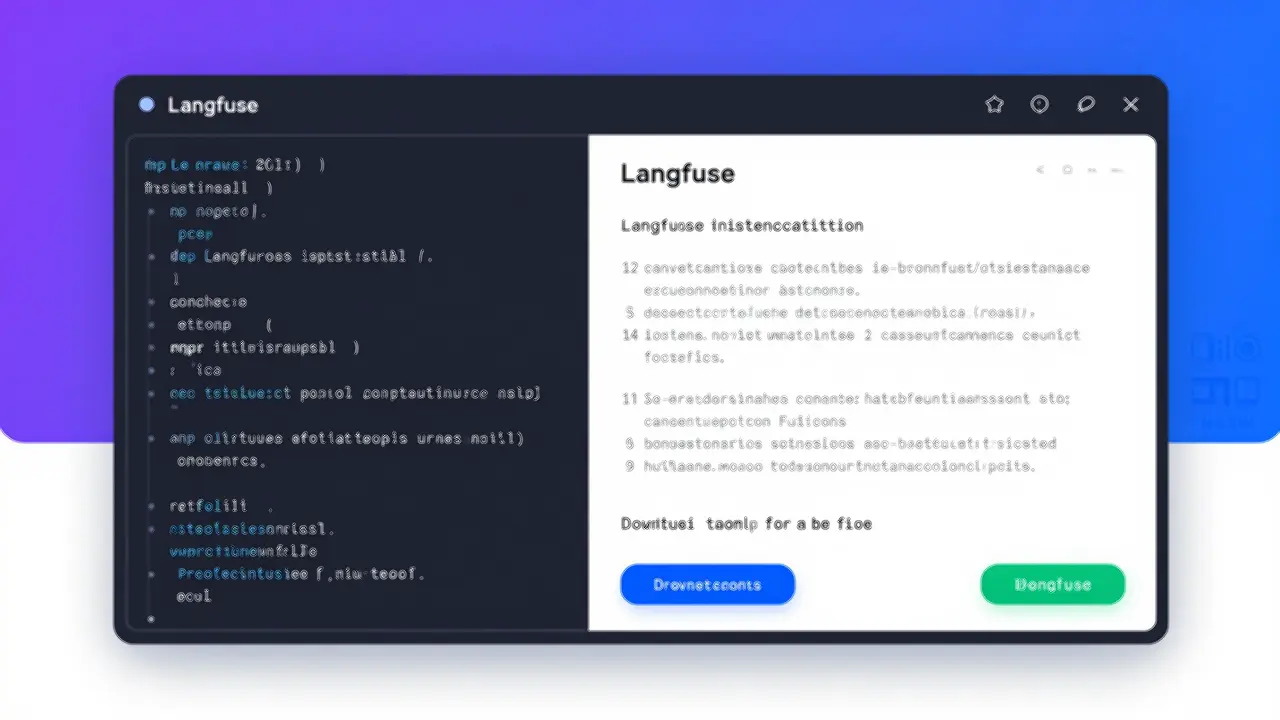 Create your first project to start collecting traces
Integrating with Your LLM Applications
Langfuse provides SDKs for Python and JavaScript/TypeScript. Here’s how to integrate with a local Ollama setup.
Python SDK Setup
from langfuse import Langfuse

# Initialize with your project keys
langfuse = Langfuse(
    public_key="pk-xxx",
    secret_key="sk-xxx",
    host="http://your-langfuse-server:3000"
)

# Trace a generation
trace = langfuse.trace(
    name="chat-completion",
    metadata={"model": "llama3.2", "source": "ollama"}
)

generation = trace.generation(
    name="llm-call",
    model="llama3.2",
    input=[{"role": "user", "content": "Hello!"}],
    output={"role": "assistant", "content": "Hi there!"}
)

# Flush to ensure data is sent
langfuse.flush()
With OpenAI-Compatible APIs
If you’re using Ollama’s OpenAI-compatible endpoint or another compatible service:
# Use the callback handler for automatic tracing
from langfuse.openai import OpenAI
from openai import OpenAI as BaseOpenAI

client = OpenAI(
    base_url="http://localhost:11434/v1",  # Ollama
    api_key="ollama"  # Required but not used
)

# Traces are automatically sent to Langfuse
response = client.chat.completions.create(
    model="llama3.2",
    messages=[{"role": "user", "content": "Explain quantum computing"}]
)
JavaScript/TypeScript SDK
import { Langfuse } from "langfuse";

const langfuse = new Langfuse({
  publicKey: "pk-xxx",
  secretKey: "sk-xxx",
  baseUrl: "http://your-langfuse-server:3000"
});

const trace = langfuse.trace({
  name: "agent-workflow",
  metadata: { agent: "my-agent" }
});
Key Features for Homelab Use
Token Tracking
Monitor exactly how many tokens your applications consume:
- Input/output tokens per request
- Daily/weekly/monthly aggregation
- Cost estimation (configure your token costs)
- Breakdown by model and application
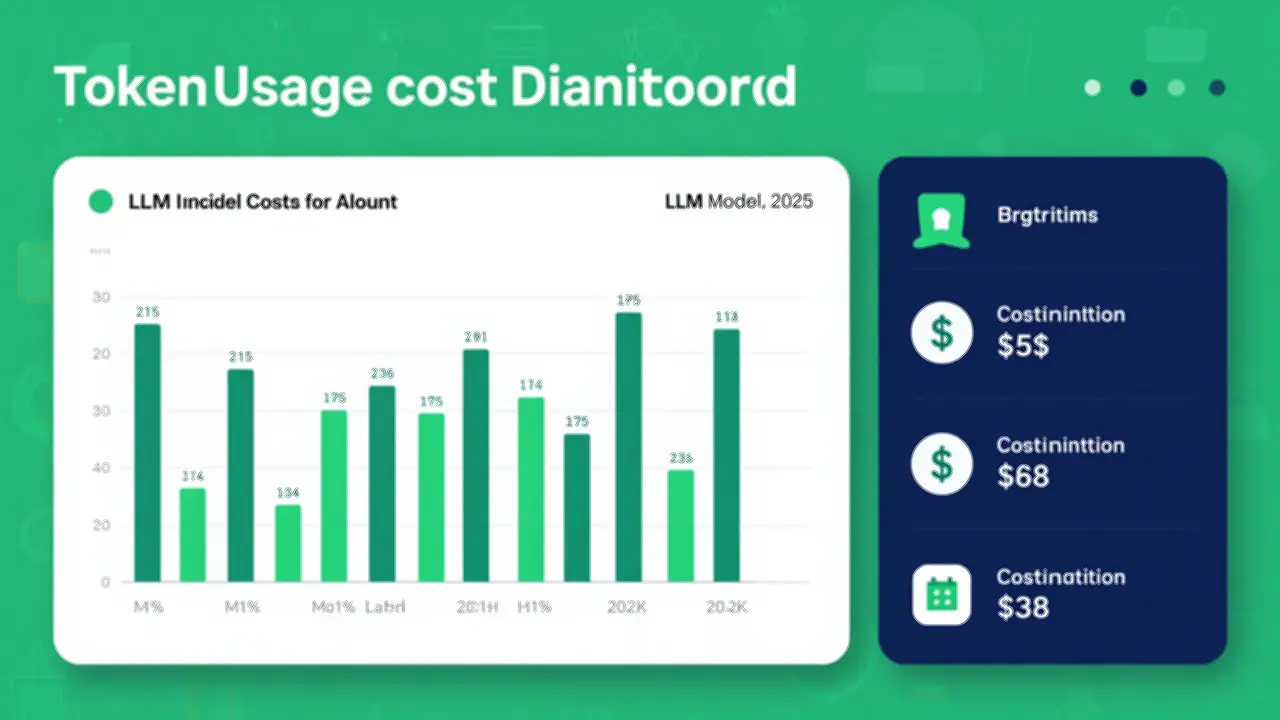 Track token usage across all your LLM applications
Prompt Versioning
Managing prompts is like managing code:
# Get the current version of a prompt
prompt = langfuse.get_prompt("my-prompt-name")

# Use it in your application
formatted = prompt.compile({"variable": "value"})

# Prompts are cached client-side for performance
Features:
- Version history with diff views
- A/B testing different prompts
- Deploy to production without code changes
- Rollback if something breaks
Session-Based Tracing
Group traces by user session to understand journeys:
trace = langfuse.trace(
    name="user-session",
    id="user-123-session-abc",
    user_id="user-123",
    session_id="session-abc"
)
Perfect for debugging multi-turn conversations or agent workflows.
Score-based Evaluation
Add quality metrics to your traces:
# Human evaluation
trace.score(name="helpfulness", value=5)

# Automated evaluation
trace.score(name="hallucination-check", value=0.2, data_type="NUMERIC")
Create dashboards to track quality over time.
Dashboard Views
Langfuse provides several built-in views:
Sessions View
- Group traces by session or user
- See the full conversation flow
- Filter by date, model, metadata
Traces View
- Individual trace inspection
- Nested spans for complex operations
- Input/output inspection
- Timing breakdown
Generations View
- Filter by model
- See prompt used
- Compare inputs/outputs
- Token counts and latency
Scores View
- Evaluation results
- Trend analysis
- Filter by score name
Production Considerations
Security
Authentication: Enable email/password or SSO:
# In docker-compose.yml environment
AUTH_DISABLE_LOCAL_AUTH: "false"  # For local auth
For SSO with Google:
AUTH_GOOGLE_CLIENT_ID: "your-client-id"
AUTH_GOOGLE_CLIENT_SECRET: "your-secret"Encryption: All sensitive data is encrypted at rest using the ENCRYPTION_KEY you configured.
Network Isolation: Run Langfuse in an air-gapped environment with no internet access. Perfect for sensitive homelab data.
Data Retention
Observability data grows. Plan for retention:
- Clickhouse stores all traces/scores
- S3/MinIO stores raw events
- Configure retention policies based on your needs
Backups
Docker Compose doesn’t include automated backups. For production:
- Database backups: Regular Postgres dumps
- Clickhouse backups: Use Clickhouse backup tools
- S3/MinIO: Configure object versioning
Scaling
The Docker Compose setup scales vertically. For horizontal scaling (high availability), migrate to Kubernetes.
Integration with Homelab Stack
Langfuse fits naturally into a monitoring stack:
| Tool | Purpose |
|---|---|
| Langfuse | LLM observability |
| Prometheus/Grafana | Infrastructure metrics |
| Uptime Kuma | Uptime monitoring |
| Loki | Log aggregation |
All self-hosted, all under your control.
Langfuse vs. Alternatives
| Feature | Langfuse | LangSmith | Helicone | W&B |
|---|---|---|---|---|
| Self-Hosted | ✅ Full features | ❌ | ⚠️ Limited | ❌ |
| Open Source | ✅ MIT | ❌ | ⚠️ Partial | ❌ |
| Prompt Management | ✅ | ✅ | ❌ | ✅ |
| Agent Tracing | ✅ | ✅ | ✅ | ✅ |
| Evaluations | ✅ | ✅ | ❌ | ✅ |
| Cost | Free | Paid | Freemium | Freemium |
For homelab use, Langfuse is the clear winner: fully open-source, fully self-hosted, no usage limits.
Best Practices for Homelab Scale
1. Start Small, Grow as Needed
Docker Compose on a single VM is perfect for exploration. Scale to Kubernetes only when you need high availability.
2. Configure Retention Early
Observability data accumulates fast. Set retention policies before disk fills up.
3. Use Prompt Versioning
Treat prompts like code. Version them, test changes, and deploy confidently.
4. Add Custom Metadata
trace = langfuse.trace(
    name="my-app",
    metadata={
        "environment": "homelab",
        "server": "proxmox-vm-3",
        "model_version": "llama3.2-3b"
    }
)
Filter traces by metadata for powerful debugging.
5. Set Up Alerts for Cost Spikes
If someone accidentally creates an infinite loop in an agent, you want to know before your API bill explodes.
When to Choose Cloud Over Self-Hosted
Consider Langfuse Cloud if:
- You don’t want to manage infrastructure
- Your team needs zero-setup collaboration
- You need managed backups and updates
- You want support contracts
Self-hosted is better when:
- Data must stay on-premises
- You have homelab infrastructure ready
- You want zero per-seat/usage costs
- Complete control is required
Getting Started Checklist
- Provision VM: 4 cores, 16 GiB RAM, 100 GiB disk
- Install Docker and docker-compose-plugin
- Clone Langfuse repository
- Update all secrets in docker-compose.yml
- Run
docker compose up -d - Access UI at port 3000
- Create organization and project
- Install Python or JS SDK
- Add tracing to your first application
- Set up prompt versioning
- Configure retention policies
Conclusion
Langfuse brings enterprise LLM observability to your homelab without the enterprise price tag. With Docker Compose deployment, you can be up and running in minutes, gaining visibility into every token, prompt, and agent execution.
For homelab enthusiasts running local LLMs—whether Ollama, LocalAI, or cloud APIs—the ability to trace, evaluate, and optimize is invaluable. Langfuse self-hosted means complete control, zero usage fees, and your data never leaves your network.
Next Steps: Check out the Langfuse documentation for SDK integration guides, evaluation strategies, and advanced configuration options.
Have questions about self-hosting Langfuse? Join the Langfuse Discord or check the GitHub discussions.


Comments
Powered by GitHub Discussions