ARM-Based Homelabs in 2026: Power-Efficient Computing for Your Home Server
Build a homelab that sips power instead of guzzling it. From Raspberry Pi clusters to Ampere servers, discover why ARM is the future of home computing.
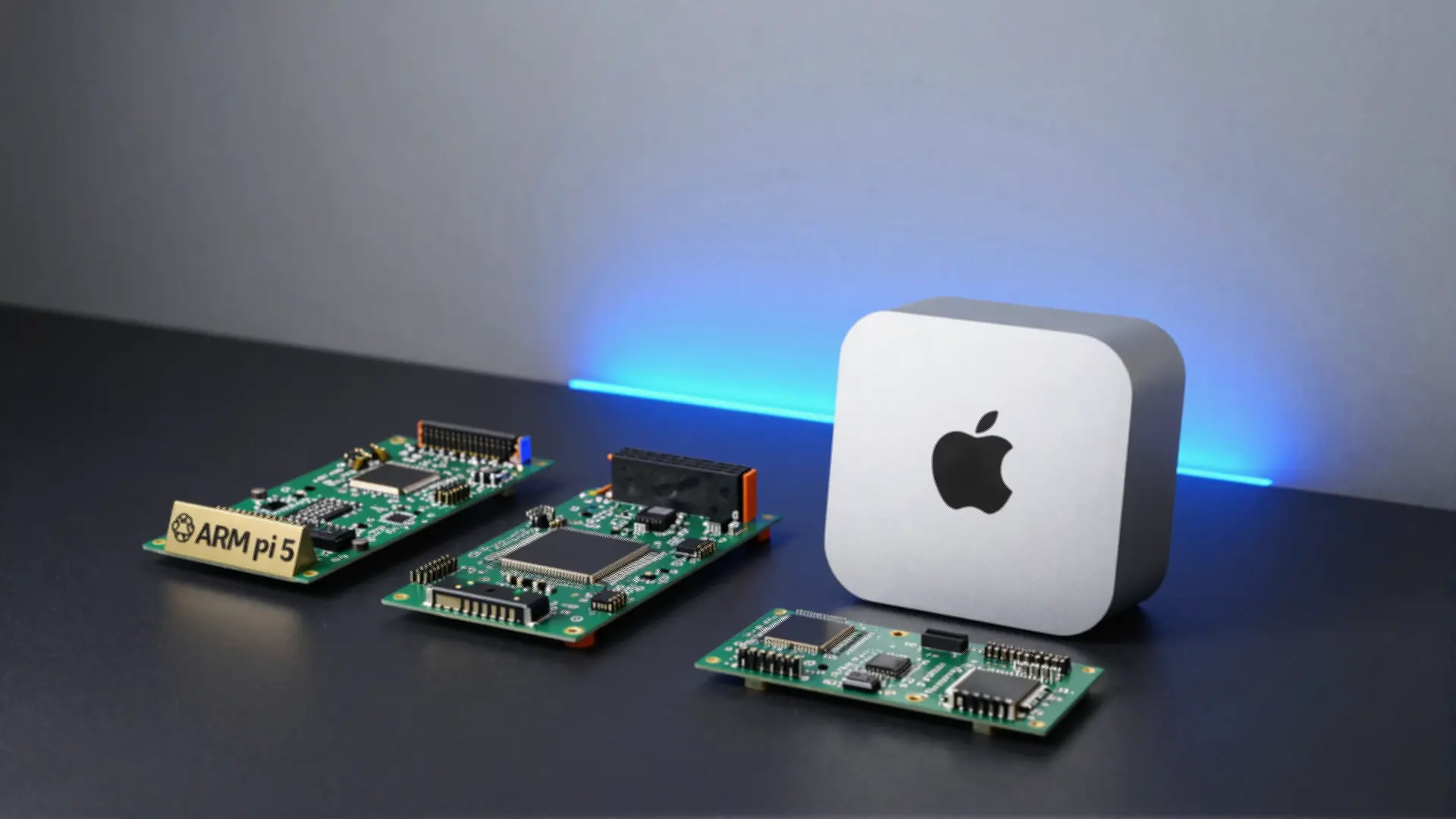
Table of Contents
- Why ARM for Homelabs?
- The Power Efficiency Gap
- Performance Has Caught Up
- Software Compatibility Is Solved
- Hardware Guide: Pick Your Platform
- Entry Level: Raspberry Pi Family
- Best Value: RK3588 Boards
- Development Powerhouse: Apple Silicon
- Enterprise-Grade: Ampere Servers
- Software Stack: What Runs Well on ARM?
- Container-Friendly Services
- Workload Considerations
- Builds and Projects
- Budget Pi Cluster (Under $150)
- High-Performance Storage Server (Under $400)
- Dev Build Server: Mac Mini M4
- Storage Strategy
- Recommended Storage Tiers
- Cooling: Don’t Throttle
- Networking on ARM
- Real-World Power Consumption
- Getting Started: Your First ARM Homelab
- Recommended Path
- Alternative: Orange Pi 5
- When to Choose x86 Instead
- The Bottom Line
Forget everything you knew about ARM being “slow” or “limited.” In 2026, ARM-based homelabs aren’t just viable—they’re often the better choice for 24/7 home servers.
While your x86 server chugs 65-120 watts around the clock, an ARM alternative might sip just 3-15 watts for similar workloads. Over a year, that’s $40-70 in electricity savings alone. Multiply that across a cluster, and the numbers get serious.
Let’s dive into why ARM has become a homelab powerhouse, which hardware deserves your money, and how to build systems that handle real workloads without melting your electricity bill.
Why ARM for Homelabs?
The Power Efficiency Gap
The math is brutal. A traditional homelab server running Intel’s latest N100 consumes 25-35 watts under load. An Orange Pi 5 handles similar container workloads at 15-20 watts. A Raspberry Pi 5? Just 6-12 watts.
 Annual power costs at $0.12/kWh, 24/7 operation
For a single server, the difference seems modest. But homelab enthusiasts rarely stop at one machine. A 3-node ARM cluster costs ~$15/year in electricity. A comparable x86 setup? $120+. That’s real money for servers running Home Assistant, Pi-hole, media streaming, and monitoring.
Performance Has Caught Up
Apple’s M-series chips shattered the myth that ARM means compromise. The M4 Mac Mini delivers workstation-class performance at under 25 watts. While that’s overkill for many homelabs, the broader point stands: ARM processors now compete with mid-range x86 silicon.
Geekbench 6 Performance Comparison:
| Device | Single-Core | Multi-Core | Avg Power |
|---|---|---|---|
| Raspberry Pi 5 | ~950 | ~2,100 | 6W |
| Orange Pi 5 (RK3588) | ~1,600 | ~5,500 | 15W |
| Intel N100 Mini PC | ~1,100 | ~2,900 | 25W |
| Apple M4 Mac Mini | ~3,200 | ~12,000 | 18W |
| Intel i5-13400 | ~2,400 | ~12,500 | 65W |
The Orange Pi 5 delivers 80% of the N100’s multi-core performance at 60% lower power consumption. For homelab workloads—containers, media servers, network services—that’s a compelling trade.
Software Compatibility Is Solved
Remember when ARM meant “good luck finding Docker images”? Those days are over.
- Docker Hub: Most popular images now include
linux/arm64variants - Kubernetes: Full ARM64 node support since v1.14
- Linux: Debian, Ubuntu, Fedora, Arch all offer first-class ARM64 support
- Languages: Node.js, Python, Go, Rust, .NET all support ARM64 natively
 Docker’s multi-arch manifests make ARM deployment seamless
X86-only software? Tools like Box86/Box64 and FEX-Emu translate x86 binaries on ARM with surprising efficiency. It’s not perfect for heavy compute workloads, but it fills compatibility gaps.
Hardware Guide: Pick Your Platform
ARM homelabs span from $10 single-board computers to $5,000 enterprise gear. Here’s how to choose based on your goals.
Entry Level: Raspberry Pi Family
Raspberry Pi 5 (Recommended)
- Broadcom BCM2712, quad-core Cortex-A76 @ 2.4GHz
- 2/4/8GB RAM options
- PCIe 2.0 interface (via FPC connector)
- ~$60-80 depending on RAM
- Power: 5-12W
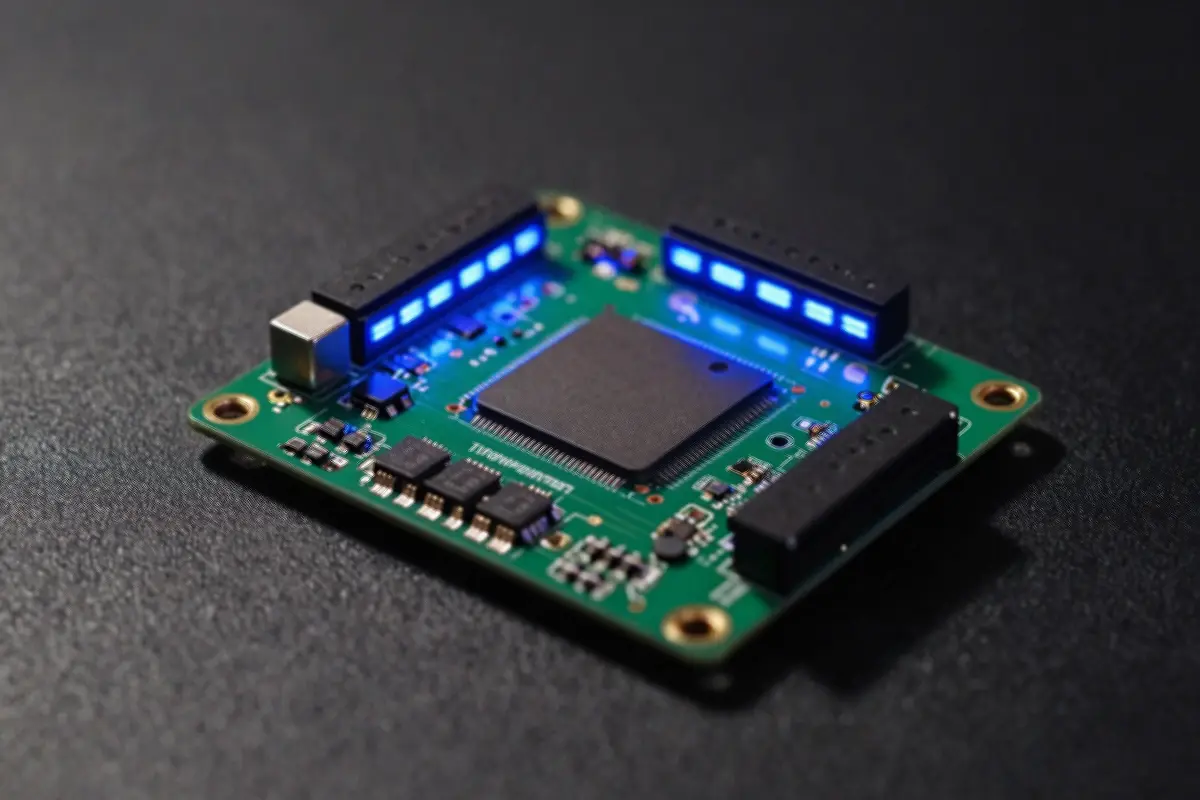 The Pi 5 finally adds proper PCIe for NVMe storage
The Pi 5 is the safest starting point. Extensive documentation, massive community, and accessories from cases to HATs. If you’re new to homelabs, start here. The PCIe connector enables NVMe storage adapters, dramatically improving I/O over SD cards.
Raspberry Pi 4 (Budget Option)
- Still capable for many workloads
- $35-55 depending on RAM
- Excellent for Home Assistant, Pi-hole, lightweight containers
Best Value: RK3588 Boards
The Rockchip RK3588 changed everything for ARM homelabs. Orange Pi 5, Rock Pi 5B, and NanoPi R6S deliver x86-competitive performance at ARM power levels.
Orange Pi 5
- 8-core Cortex-A76/A55 (big.LITTLE)
- Up to 32GB RAM
- PCIe 2.0, USB 3.0, 2.5GbE
- ~$50-100 depending on RAM
- Power: 15-20W
Rock Pi 5B
- Same RK3588 SoC
- Better documentation than Orange Pi
- Up to 16GB RAM
- PCIe 3.0, M.2 NVMe slots
- ~$70-150
These boards handle serious workloads: Kubernetes clusters, NAS builds, media transcoding. The RK3588’s video encoding engine supports 8K decode, making it excellent for Jellyfin/Plex servers.
Development Powerhouse: Apple Silicon
Mac Mini M4
- 10-14 CPU cores, 16-20 GPU cores
- Up to 64GB unified memory
- Thunderbolt 4/5
- ~$599-1,399
- Power: 18-25W
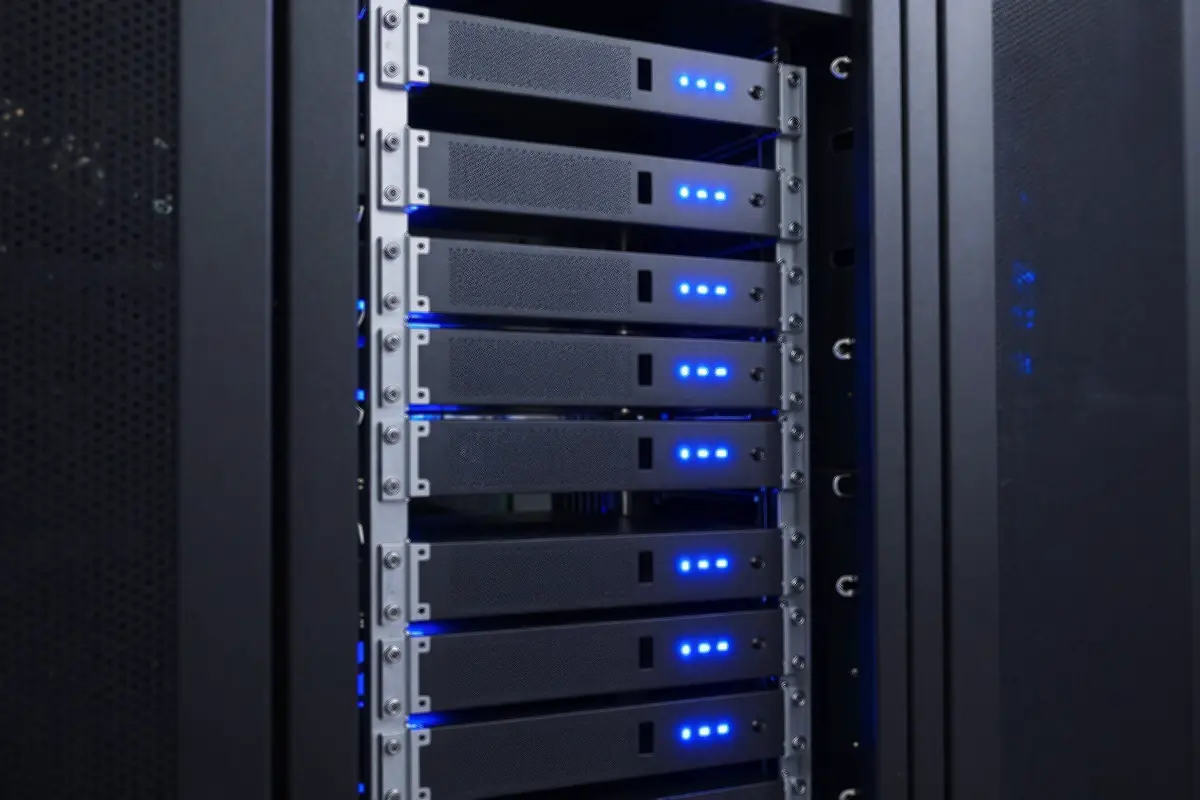 Mac Minis excel as CI/CD runners and build servers
Unique proposition: macOS development environment plus excellent Linux support via Asahi. Perfect for iOS/macOS CI, build servers, or running multiple VMs. The caveats: macOS software restrictions and premium pricing.
Enterprise-Grade: Ampere Servers
For homelabbers ready to go big:
Ampere Altra/Altra Max
- 32-128 Neoverse N1 cores
- DDR4 memory (up to 4TB)
- PCIe Gen4, 128 lanes
- 45-250W TDP options
- Used/refurbished: $500-2,000
These are actual cloud server CPUs. Oracle Cloud’s free tier uses them. They excel at container-heavy workloads—Kubernetes nodes, microservices, edge computing. Power efficiency scales beautifully with core count.
Software Stack: What Runs Well on ARM?
Almost everything you’d run on a homelab x86 server.
Container-Friendly Services
These run natively on ARM64 with excellent performance:
- DNS/Network: Pi-hole, Unbound, AdGuard Home
- Home Automation: Home Assistant, Zigbee2MQTT, Node-RED
- Media: Jellyfin (with hardware transcoding on RK3588)
- Productivity: Nextcloud, Paperless-ngx, Vaultwarden
- Monitoring: Prometheus, Grafana, Uptime Kuma
- Containers: Docker, containerd, Podman
- Orchestration: k3s, MicroK8s, k3d
 Kubernetes clusters thrive on ARM—k3s is optimized for it
Workload Considerations
Excellent ARM Performance:
- Web servers (NGINX, Apache)
- Databases (PostgreSQL, MariaDB)
- Message queues (Redis, RabbitMQ)
- CI/CD runners
- Home automation
Requires Attention:
- Media transcoding: Intel QuickSync still wins for x86. ARM hardware transcoding works on RK3588 but codec support varies.
- Windows VMs: No ARM Windows desktop, only Windows on ARM (limited)
- Legacy x86 software: Box86/Box64 helps but expect performance penalty
Builds and Projects
Budget Pi Cluster (Under $150)
A 3-node Kubernetes learning cluster:
3x Raspberry Pi 4 (4GB)     $165
Stackable cluster case       $25
PoE HATs                    $60
Gigabit switch               $20
MicroSD cards               $30
────────────────────────────
Total:                     ~$300

Alternative with Pi 5:
3x Pi 5 (4GB)               $240
Cluster case                 $30
Active coolers               $15
────────────────────────────
Total:                     ~$285
Runs: k3s, Pi-hole, Home Assistant, lightweight containers
Power: ~15-20W total for cluster
High-Performance Storage Server (Under $400)
Orange Pi 5 (8GB)            $70
NVMe SSD 1TB                 $80
USB 3.0 to SATA adapter      $15
Power supply + case          $30
2x 4TB HDD (refurbished)    $120
────────────────────────────
Total:                     ~$315
Runs: OpenMediaVault or TrueNAS SCALE, media server, file backup
Power: ~20W idle, 25W with drive activity
Dev Build Server: Mac Mini M4
For developers needing macOS CI:
Mac Mini M4 (base)          $599
Ubuntu Server VM           Free
─────────────────────────────
Power: ~15W typical
Excellent for: GitHub Actions self-hosted runners, Jenkins agents, iOS/macOS builds.
Storage Strategy
SD cards are the Achilles’ heel of ARM SBCs. They fail—often—under constant writes.
Recommended Storage Tiers
Tier 1: NVMe (Performance)
- Orange Pi 5 / Rock Pi 5B support NVMe via PCIe
- 700-2000 MB/s speeds
- Best for: Databases, high-IOPS workloads, container storage
Tier 2: USB SSD (Balanced)
- USB 3.0 external SSDs: 100-400 MB/s
- Works on any SBC
- Cost-effective for most workloads
Tier 3: Network Storage (Capacity)
- NFS/iSCSI from existing NAS
- 1GbE: ~110 MB/s max
- 2.5GbE: ~275 MB/s (newer ARM boards)
Avoid: SD cards for anything beyond boot. If you must use them, disable swap, limit logging, and keep backups.
Cooling: Don’t Throttle
ARM boards thermal-throttle aggressively. Without cooling, a Pi 5 drops from 2.4GHz to ~1.8GHz under sustained load.
Passive Cooling:
- Most RK3588 boards include heatsinks
- Fine for bursty workloads
- Silent, no moving parts
Active Cooling:
- Raspberry Pi Active Cooler: $5, keeps Pi 5 at full speed
- Small 40mm fans for Orange Pi
- Recommended for continuous >50% CPU usage
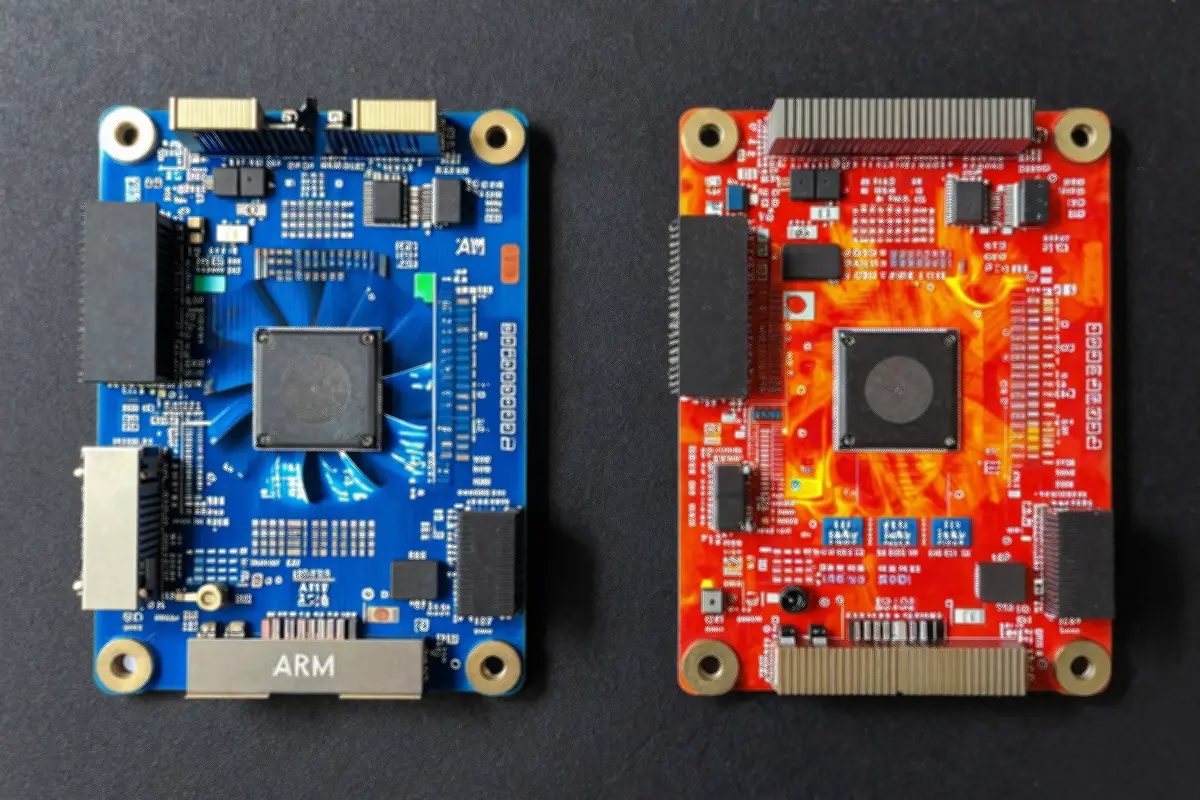 Active cooling matters for sustained performance
Networking on ARM
Most modern ARM boards include Gigabit Ethernet. Newer options add 2.5GbE:
- Pi 5: Gigabit (PCIe expansion possible)
- Orange Pi 5 Plus: 2.5GbE
- NanoPi R6S: Dual 2.5GbE (router-focused)
For SDN/overlay networks:
- Tailscale/ZeroTier: Fully supported, excellent ARM performance
- WireGuard: Native kernel module, best VPN throughput
- OpenVPN: Works but slower due to software encryption
Real-World Power Consumption
Measured at the wall with typical homelab loads:
| Configuration | Idle | Load | Annual Cost |
|---|---|---|---|
| Pi 5 (8GB) + NVMe | 4W | 10W | ~$10 |
| Orange Pi 5 (8GB) + NVMe | 6W | 18W | ~$15 |
| 3x Pi 4 Cluster | 12W | 24W | ~$20 |
| Intel N100 Mini PC | 10W | 30W | ~$25 |
| Mac Mini M4 | 8W | 22W | ~$15 |
| Ampere Altra (32-core) | 80W | 200W | ~$175 |
Assumes $0.12/kWh, 24/7 operation
Getting Started: Your First ARM Homelab
Recommended Path
- Start with Raspberry Pi 5 — Best documentation, community support
- Add NVMe storage — USB-C to NVMe adapter (~$20) + 256GB SSD
- Install Ubuntu Server ARM64 — Familiar environment for learning
- Deploy Docker —
curl -fsSL https://get.docker.com | sh - Run familiar services — Start with Pi-hole, then expand
Alternative: Orange Pi 5
If you want more performance immediately:
- Order Orange Pi 5 (8GB model)
- Add NVMe via PCIe adapter
- Install Armbian (Debian-based, ARM-optimized)
- Proceed with Docker/Kubernetes
When to Choose x86 Instead
ARM isn’t always the answer:
- heavy transcoding: Intel QuickSync still dominates
- Windows workloads: No real VM option
- Legacy x86 software: Emulation works but slow
- PCIe expansion: x86 motherboards offer more slots
- maximum single-thread: High-end x86 still wins benchmarks
For file servers, containers, DNS, home automation, and most homelab workloads? ARM delivers.
The Bottom Line
ARM-based homelabs have matured from hobbyist curiosity to serious infrastructure. The power savings are real—5-10x compared to equivalent x86. Software compatibility is largely solved. Hardware options range from $35 Pis to enterprise Ampere servers.
Your journey doesn’t require abandoning x86. Many homelabs benefit from hybrid deployments: ARM for always-on services, x86 for transcoding and legacy apps. But if you’re building from scratch or expanding, ARM deserves serious consideration.
Start with a Pi 5. Experience 5W compute. Once you see what’s possible, you might not go back.
Ready to build? Check out our Mini PC Homelab Guide for x86 alternatives, or dive into Kubernetes on ARM for cluster setups.


Comments
Powered by GitHub Discussions