Build Your Own Private AI Knowledge Base with AnythingLLM
Turn your documents into a private, intelligent chatbot that runs entirely on your homelab. Learn how to set up AnythingLLM with Docker and Ollama for a fully local RAG system.
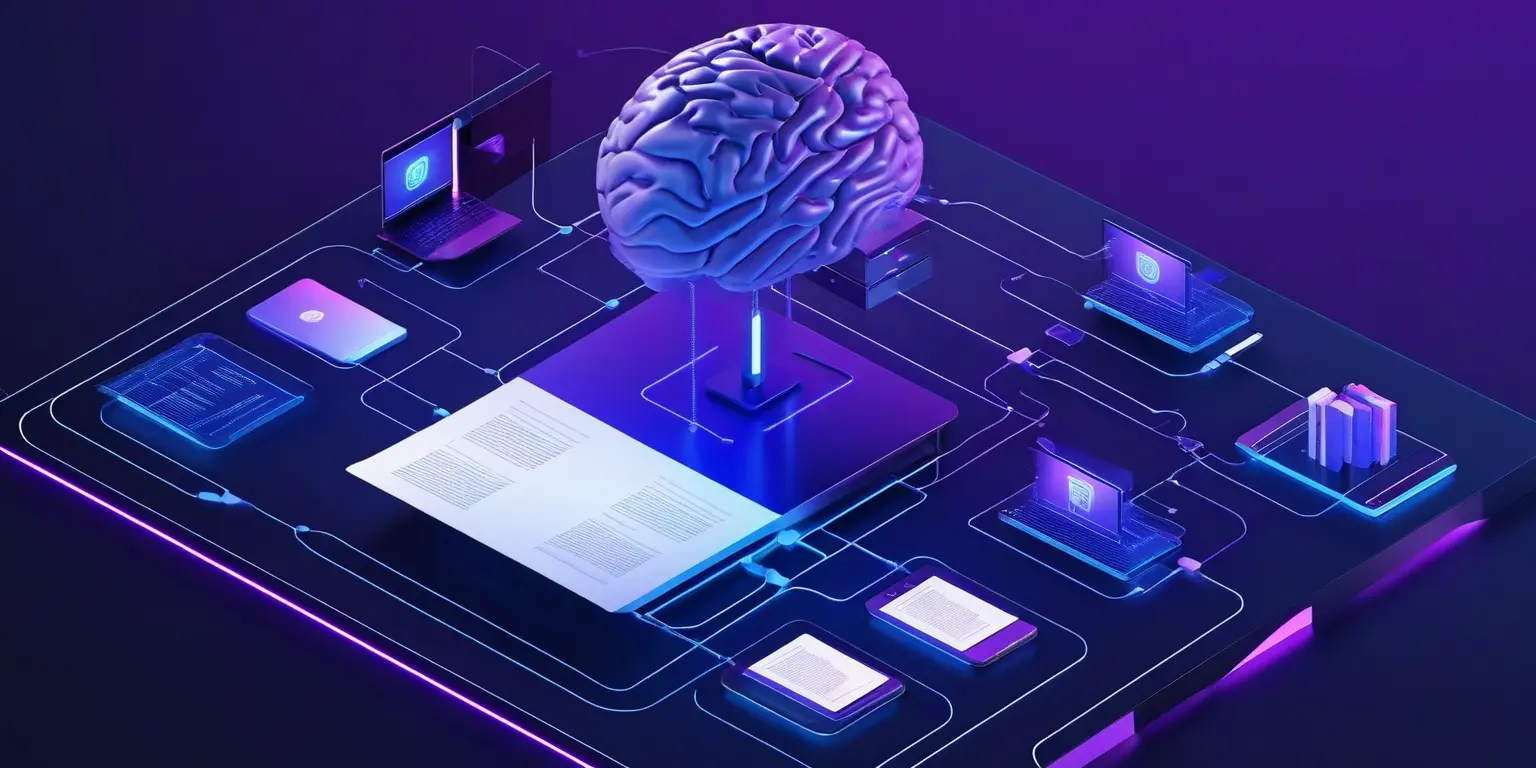
Table of Contents
- What Is AnythingLLM?
- The Magic of RAG
- Why AnythingLLM for Your Homelab?
- Key Features Worth Knowing
- Document Handling
- Agent Capabilities
- Developer API
- Installing AnythingLLM with Docker
- Quick Start (Standalone)
- Production Deployment (Docker Compose)
- Connecting to Ollama for Local LLMs
- Step 1: Install and Configure Ollama
- Step 2: Connect AnythingLLM to Ollama
- Recommended Ollama Models
- Step 3: Verify Your Setup
- Comparing Alternatives
- AnythingLLM vs. PrivateGPT
- AnythingLLM vs. Open WebUI
- Use Cases That Shine
- Personal Knowledge Base
- Technical Documentation Assistant
- Code Documentation Hub
- Family Document Manager
- Research Assistant
- Getting the Most from AnythingLLM
- Workspace Organization
- Chunk Size Matters
- Keep Models Updated
- Secure Your Deployment
- Troubleshooting Common Issues
- ”No response from LLM”
- Embedding Errors
- Document Upload Fails
- Wrapping Up
- Resources
Imagine having a ChatGPT that actually knows your documents—your PDFs, your notes, your technical documentation—and never sends a single byte of data to the cloud. That’s exactly what AnythingLLM delivers: a private, local AI knowledge base you can run entirely on your homelab.
In this guide, I’ll walk you through setting up AnythingLLM with Docker and Ollama to create your own Retrieval-Augmented Generation (RAG) system. No cloud subscriptions, no data leaving your network—just you and your AI assistant, running on hardware you control.
What Is AnythingLLM?
AnythingLLM is an open-source, full-stack application that transforms your documents into a context-aware chatbot. Built by Mintplex Labs, it’s designed from the ground up for self-hosting flexibility. Upload your files, and AnythingLLM handles everything—document processing, vector embeddings, and intelligent retrieval.
The Magic of RAG
Retrieval-Augmented Generation (RAG) sounds technical, but the concept is straightforward. When you ask a question, the system:
- Searches your documents for relevant information
- Retrieves the most relevant passages
- Feeds those passages to an LLM along with your question
- Generates an answer grounded in your actual content
The result? Responses that cite your documents, reference your specific information, and hallucinate far less than a generic chatbot.
Why AnythingLLM for Your Homelab?
The homelab community has embraced AnythingLLM for good reason:
True Privacy — Everything runs locally. Your documents, your queries, your embeddings—none of it leaves your infrastructure. For sensitive documents like financial records, medical information, or proprietary work, this isn’t just nice to have—it’s essential.
LLM Flexibility — AnythingLLM works with virtually any LLM. Run local models through Ollama or LM Studio for complete privacy. Need more power? Switch to Claude, GPT-4, or Gemini without changing your setup. The abstraction layer handles the differences transparently.
Vector Database Options — Built-in LanceDB means zero external dependencies for most users. But if you’re already running Qdrant or prefer ChromaDB, AnythingLLM supports those too. No vendor lock-in, no migration headaches.
Multi-User Support — Deploy via Docker and multiple users can access the same knowledge base with individual permissions. Perfect for family document management or team knowledge bases.
Desktop or Docker — Not ready for containerized deployments? There’s a desktop app for Mac, Windows, and Linux. One-click install, zero configuration. Ready to go production? Docker Compose has you covered.
:::tip If you’re new to self-hosted AI, start with the desktop app to understand how RAG works. Graduate to Docker when you’re ready for multi-user access or 24/7 availability. :::
Key Features Worth Knowing
Document Handling
Upload PDFs, TXT files, Word documents, and more. The drag-and-drop interface makes building your knowledge base painless. Documents are organized into workspaces—think of them as separate chatbots for different topics. One workspace for technical docs, another for personal notes, a third for work projects.
When the AI responds, it includes citations. Click a citation and jump directly to the source passage. No more wondering where an answer came from.
Agent Capabilities
AnythingLLM includes a no-code agent builder. Create specialized agents that can browse the web, follow custom instructions, or handle specific workflows. It’s like having multiple AI assistants, each trained for different tasks.
Developer API
Need to integrate your knowledge base into other applications? A full REST API exposes everything—chat, document management, workspace configuration. Build custom frontends, automate document ingestion, or connect to your existing tools.
Installing AnythingLLM with Docker
Let’s get this running. I’ll assume you have Docker installed on your homelab server.
Quick Start (Standalone)
The fastest way to get started:
export STORAGE_LOCATION=$HOME/anythingllm
mkdir -p $STORAGE_LOCATION
touch "$STORAGE_LOCATION/.env"

docker run -d -p 3001:3001 \
  --cap-add SYS_ADMIN \
  -v ${STORAGE_LOCATION}:/app/server/storage \
  -v ${STORAGE_LOCATION}/.env:/app/server/.env \
  -e STORAGE_DIR="/app/server/storage" \
  --restart unless-stopped \
  mintplexlabs/anythingllm
Navigate to http://YOUR_SERVER_IP:3001 and complete the setup wizard. Done.
Production Deployment (Docker Compose)
For a more maintainable setup, use Docker Compose:
version: '3.8'
services:
  anythingllm:
    image: mintplexlabs/anythingllm:latest
    container_name: anythingllm
    ports:
      - "3001:3001"
    cap_add:
      - SYS_ADMIN
    environment:
      - STORAGE_DIR=/app/server/storage
      - JWT_SECRET=change-this-to-a-random-32-character-string
      - DISABLE_TELEMETRY=true
    volumes:
      - ./storage:/app/server/storage
    restart: unless-stopped
:::warning
The SYS_ADMIN capability is required for Chrome-based document processing (PDF rendering). If you’re only processing text files, you might be able to omit it, but expect the need for PDF handling eventually.
:::
Deploy with:
docker compose up -dConnecting to Ollama for Local LLMs
Here’s where things get interesting. Ollama provides easy access to open-source models like Llama 3.2, Mistral, and more. Let’s connect AnythingLLM to local models running through Ollama.
Step 1: Install and Configure Ollama
If Ollama isn’t already running:
# Install Ollama (Linux)
curl -fsSL https://ollama.com/install.sh | sh

# Start the service
ollama serve
Pull the models you need:
# Main chat model
ollama pull llama3.2

# Embedding model (essential for RAG)
ollama pull nomic-embed-text
Step 2: Connect AnythingLLM to Ollama
The configuration depends on how you’re running both services.
If Ollama runs on the host and AnythingLLM in Docker:
docker run -d -p 3001:3001 \
  --cap-add SYS_ADMIN \
  --add-host=host.docker.internal:host-gateway \
  --restart unless-stopped \
  -e STORAGE_DIR=/app/server/storage \
  -e LLM_PROVIDER=ollama \
  -e OLLAMA_BASE_PATH=http://host.docker.internal:11434 \
  -e OLLAMA_MODEL_PREF=llama3.2 \
  -e EMBEDDING_ENGINE=ollama \
  -e EMBEDDING_BASE_PATH=http://host.docker.internal:11434 \
  -e EMBEDDING_MODEL_PREF=nomic-embed-text \
  -v anythingllm_storage:/app/server/storage \
  mintplexlabs/anythingllm
If both run in Docker on the same network:
# Create a shared network
docker network create ai-network

# Run Ollama
docker run -d --name ollama \
  --network ai-network \
  --restart unless-stopped \
  -v ollama_data:/root/.ollama \
  -p 11434:11434 \
  ollama/ollama

# Run AnythingLLM connected to Ollama
docker run -d --name anythingllm \
  --network ai-network \
  -p 3001:3001 \
  --cap-add SYS_ADMIN \
  --restart unless-stopped \
  -e STORAGE_DIR=/app/server/storage \
  -e LLM_PROVIDER=ollama \
  -e OLLAMA_BASE_PATH=http://ollama:11434 \
  -e OLLAMA_MODEL_PREF=llama3.2 \
  -e EMBEDDING_ENGINE=ollama \
  -e EMBEDDING_BASE_PATH=http://ollama:11434 \
  -e EMBEDDING_MODEL_PREF=nomic-embed-text \
  -v anythingllm_storage:/app/server/storage \
  mintplexlabs/anythingllm
Recommended Ollama Models
| Model | Use Case | RAM Needed |
|---|---|---|
llama3.2:3b | Fast responses, lighter workloads | ~4GB |
llama3.2:latest | Balanced performance | ~6GB |
mistral:7b | Strong reasoning | ~8GB |
nomic-embed-text | Embeddings (required) | ~1GB |
:::tip
For a homelab with 16GB RAM, llama3.2:latest with nomic-embed-text works beautifully. On more constrained hardware, drop to the 3B model.
:::
Step 3: Verify Your Setup
After starting both services, visit http://YOUR_SERVER_IP:3001 and create your admin account. In the settings, verify that:
- LLM Provider shows Ollama with your selected model
- Embedding Engine shows Ollama with
nomic-embed-text - Vector Database shows LanceDB (the default)
Create a workspace, upload a test document, and ask a question about it. If you get a relevant answer with citations, everything is working correctly.
Comparing Alternatives
The self-hosted AI space has several options. Here’s how AnythingLLM stacks up:
AnythingLLM vs. PrivateGPT
PrivateGPT pioneered the local RAG space, but AnythingLLM has pulled ahead for homelab use:
- Setup: AnythingLLM’s Docker deployment is simpler than PrivateGPT’s more manual configuration
- UI: AnythingLLM offers a polished web interface; PrivateGPT’s is more basic
- Multi-user: AnythingLLM supports teams out of the box; PrivateGPT is single-user focused
- Flexibility: AnythingLLM supports 30+ LLM providers vs. PrivateGPT’s primarily local focus
PrivateGPT remains a solid choice if you want minimal dependencies and don’t need multi-user support.
AnythingLLM vs. Open WebUI
Open WebUI (formerly Ollama WebUI) excels at general LLM chat but RAG is a secondary feature:
- Primary purpose: AnythingLLM is built for document chat; Open WebUI is a general chat interface
- RAG maturity: AnythingLLM’s document handling is more polished and feature-complete
- Model management: Open WebUI has better built-in model management for Ollama
If you primarily want to chat with models and occasionally reference documents, Open WebUI might suit you better. If document-heavy RAG is your main use case, AnythingLLM wins.
Use Cases That Shine
Personal Knowledge Base
Index your PDFs, notes, and markdown files. Ask questions like “What did I write about encryption in my security notes?” and get actual answers based on your content. Search becomes conversation.
Technical Documentation Assistant
Upload documentation for the tools you use—Proxmox, Kubernetes, whatever you’re running. Query it naturally: “How do I configure high availability in Proxmox?” The AI reads your docs and gives you contextual answers.
Code Documentation Hub
Point AnythingLLM at your code repositories’ documentation. New team members can ask questions and get answers based on actual codebase docs rather than hunting through files.
Family Document Manager
Warranties, manuals, receipts, medical records—all searchable through conversation. “What’s the warranty on the dishwasher?” becomes answerable without digging through filing cabinets.
:::warning For sensitive documents like medical records, ensure your AnythingLLM instance is properly secured behind authentication and HTTPS. This is your private data—treat it that way. :::
Research Assistant
Academic papers, books, reference materials—upload them and query across your entire research library. Citations make it easy to verify sources and dive deeper.
Getting the Most from AnythingLLM
Workspace Organization
Create separate workspaces for different topics. Each workspace has its own documents and chat history. A “Work” workspace stays separate from “Personal” or “Learning.”
:::tip Use descriptive workspace names that reflect their purpose. “Home-Renovation-2024” is more useful than just “Documents” when you’re juggling multiple projects. :::
Chunk Size Matters
When uploading documents, AnythingLLM breaks them into chunks for embedding. Large chunks capture more context but require more retrieval. Small chunks are more precise but might miss connections. The defaults work well, but for highly technical documents, experiment with smaller chunks.
Keep Models Updated
Both AnythingLLM and Ollama receive regular updates. New models arrive frequently, and embedding models improve. Periodically pull the latest versions:
# Update Ollama models
ollama pull llama3.2
ollama pull nomic-embed-text

# Update AnythingLLM
docker compose pull && docker compose up -d
Secure Your Deployment
For anything beyond personal experimentation:
- Set a strong
JWT_SECRET(32+ random characters) - Enable authentication through the web UI
- Place behind a reverse proxy with HTTPS (Nginx Proxy Manager, Traefik, or Caddy)
- Disable telemetry:
DISABLE_TELEMETRY=true
Troubleshooting Common Issues
”No response from LLM”
If your chat queries time out or return empty responses:
- Check that Ollama is running:
ollama listshould show your models - Verify the OLLAMA_BASE_PATH is correct (use
http://host.docker.internal:11434for Docker-to-host) - Check container logs:
docker logs anythingllm
Embedding Errors
If you see errors about embeddings failing:
- Confirm you pulled the embedding model:
ollama pull nomic-embed-text - Verify the model name matches exactly in AnythingLLM settings
- Check available RAM—embedding models need memory too
Document Upload Fails
If PDFs aren’t processing:
- Ensure the
SYS_ADMINcapability is set - Check container logs for specific errors
- Try a smaller PDF first to rule out memory issues
:::tip The AnythingLLM Discord community is remarkably helpful. If you’re stuck, search the #support channel or ask—someone has likely solved your exact issue. :::
Wrapping Up
AnythingLLM brings the power of RAG to your homelab without the complexity typically associated with AI systems. The combination of Docker deployment flexibility, Ollama integration, and local-first design makes it ideal for privacy-conscious self-hosters.
Start with the desktop app if you’re curious. Move to Docker when you’re ready for 24/7 access. Connect to Ollama for fully local operation, or use cloud LLMs when you need more capability.
Your documents hold knowledge. AnythingLLM unlocks it through conversation.
Resources
- AnythingLLM Documentation — Official docs with setup guides and API reference
- AnythingLLM GitHub — Source code, issues, and community contributions
- Ollama — Download and manage local LLMs
- AnythingLLM Discord — Active community for support and discussion


Comments
Powered by GitHub Discussions